Your Basket

Search Criteria
Products meeting the search criteria
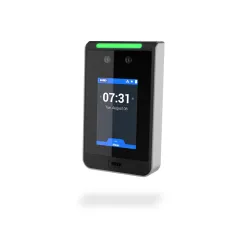
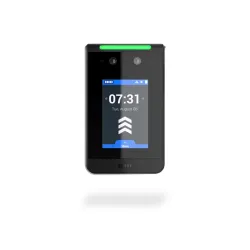
Model: HID-VL35LF-000-0000
HID Amico VL35LF Biometric Facial Recognition ReaderThe HID Amico VL35LF offers advanced biometric facial recognition, enhancing security within organisations. With it's 4 other authentication methods (mobile access, pins, QR codes, cards/fobs), it makes entry seamless for authorised individuals.Features and Benefits:Two 1080p full HD camerasOffers many authentication methods such as face, card/fob, pins, QR codes, or mobile accessSleek and compact design (3.5")What Technologies Are Supported?With technologies like 13.56MHz, 125 kHz and 2.4GHz, this VL35LF also supports:SEOS iCLASSiCLASS SEMIFAREDESFire EV1/2/3HID ProxBluetooth LE..
£590.00
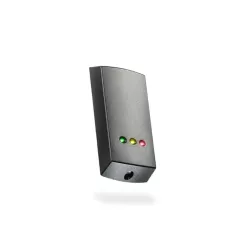
Model: PAX-353-467
Multi-format P50 reader
Reads MIFARE® tokens
Reads EM4100 tokens
Reads Net2 tokens
Low profile - less than 16mm deep
About – The Proximity P series MIFARE® reader is suitable for use with Net2 systems. The reader is multi-format and can be used with a choice of access tokens both 125Khz and 13.56MHz including MIFARE®Classic protocol ISO 14443A as well as EM4100 and Paxton Net2 tokens.
The reader is supplied with a black fascia only.
Operation – A token is read by holding it within close proximity of the reader. Once a token has been read the control unit looks up the access permissions of that user. Access is then granted or denied as appropriate. If access is granted the green LED flashes. If access is denied the red LED flashes.
Now including Genuine HID Technology in the P50 Mifare readers, will now read HID 125kHz Proximity tokens when licensed with an activation card. If required these readers can still be enabled to have Wiegand output, via a separate activation card...
£140.00
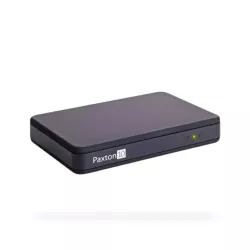
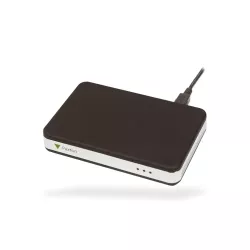
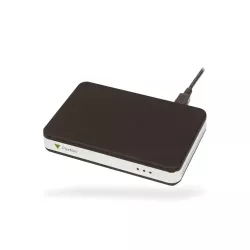
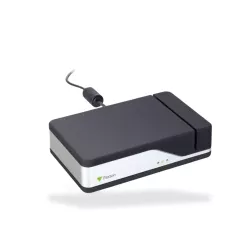
Model: PAX-010-387
No software install is required, the desktop reader works out-of-the-box
Quick and straightforward user registration
Simple USB connection
Reads Paxton, MIFARE®, HID™ Prox, EM, FeliCa, NFC and DESFire token technology
About – The Paxton10 Desktop Reader supports all token formats with no additional configuration required, making it simple to add tokens to your system.
Installation – Connect the desktop reader to a free USB port and log in to the Paxton10 software via the web browser.
Operation – When a new token is presented to the reader, a new user record is automatically loaded for user details to be added and access permissions assigned. Should the presented token already exist in the system, the assigned user’s data will appear.
..
£155.00
Showing 1 to 6 of 6 (1 Pages)