Free Expert Advice From A Member of Our Expert Team
Same Day Dispatch on Stock Orders Placed Before 2.30pm
Free & Fast UK Delivery on All Orders Over £150
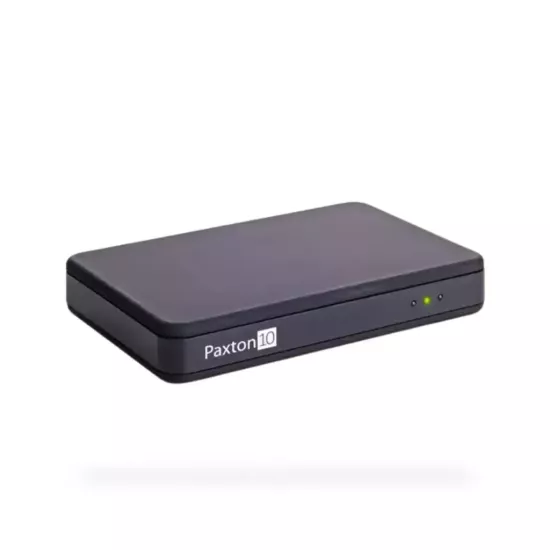
Paxton10 Desktop Reader Overview
Typing card numbers into an access control system by hand is slow, and one wrong digit means a user won’t be able to open a door. The Paxton10 Desktop Reader removes that step. Present a card or keyfob at your desk and the Paxton10 software picks up the token straight away, ready for you to add the user’s details and assign their access permissions.
Encrypted credentials: supports Paxton10 Encrypted cards and keyfobs
Software: Paxton10 web-based software, accessed through your browser
The desktop reader supports all token formats with no additional configuration required. To set it up, connect it via a USB port and log in to the Paxton10 software through your web browser.
When a new token is presented, a new user record loads automatically so you can add the person’s details and set their access permissions. If the token already exists in the system, the assigned user’s record appears instead, which makes the reader just as useful for checking who a card or keyfob belongs to as it is for enrolment.
We use cookies and other tracking technologies to improve your browsing experience our website, to personalise content and ads, provide social features media and our traffic analysis.
Necessary cookies enable core functionality of the website. Without these cookies the website can not function properly.
Statistic cookies help website owners to understand how visitors interact with websites by collecting and reporting information anonymously.
A set of cookies to collect information and report about website usage statistics without personally identifying individual visitors to Google.
Marketing cookies store user data and behaviour information, which allows advertising services to target more audience groups.