Your Basket

20 Nov
0 Comment(s)
29 View(s)
AddaCard’s new customer portal makes reordering fobs and cards quicker
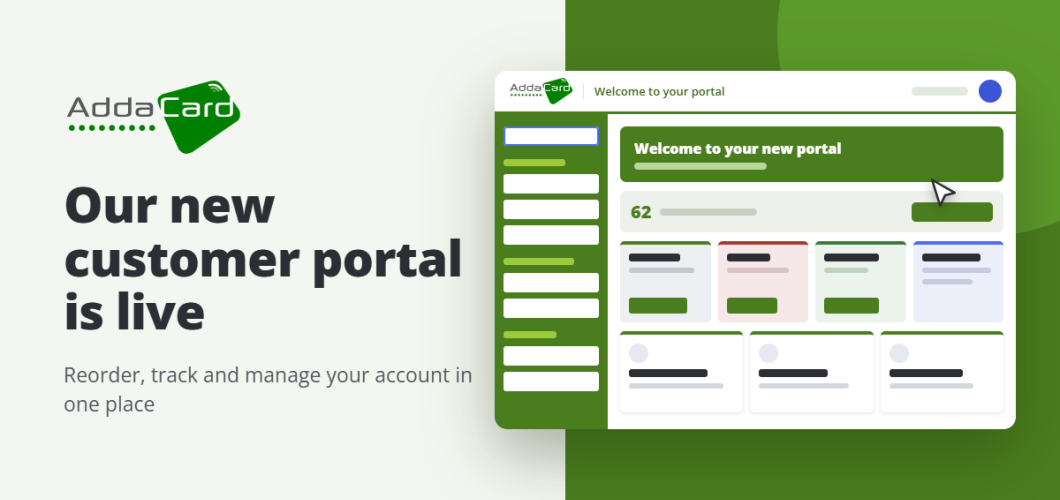
Our new customer portal makes reordering access cards and fobs easier than ever. Every product you’ve ever bought from AddaCard is saved in the portal and you can create orders as and when you need them. Here’s a quick tour of the features it’s launching with.
Reorder exactly what you bought last time
The repeat a completed order feature brings back a whole past order. You can search for it by your PO number, our order number or the web order number, then add anything extra before you carry on. You’re reordering the same product as before, so there’s no need to dig out an old invoice to find the product code.
Pick products from different orders
Create your own re-order shows everything you’ve bought from us, grouped by category. Each product lists its code, the order it came from, its pack size and its price. Stock is shown up front, so you know what’s available before you add it.
You can combine fobs from one order with cards or a reader from another and send them all as one order, making it even easier to ensure the cards and fobs ordered are right for your site.
Invite your team
Admins can invite colleagues with a one-time link that’s valid for 72 hours. You can control what they can do in the account. The team member can see every order or only their own, allowing people on different sites to order their own cards and fobs to the right delivery address without seeing every order. Two-factor sign-in is available under Security, and we’d recommend it for admins. However, if there is ever an issue getting into your account, or you need to remove a member, you can reach out to our team.
Plan ahead with saved orders
If you have a new building opening or a group of new starters beginning work in a few weeks, you can plan ahead by building an order with all the products you need and then order them when you need them.
The basket holds up to five saved re-orders. Each shows its item count, its value and the date you added it. When the time comes, tick the ones you want and submit them together.
You’ll see the billing address, delivery address, products and delivery method before anything is sent. Our Order Processing team then checks prices and delivery preferences and creates the order. No payment is taken when you submit.
Everything else on your account
Your dashboard opens with any orders in progress, outstanding invoices and open support tickets. Orders & Tracking holds your full order history. You can search it by order number, reference, date, status or tracking reference. Each order shows its dispatch status and a Track button where tracking is available, and you can download the invoice or email a copy from the same page.
Raise a Return sits on every order for the odd occasion something needs to come back. When we’ve set the return up, the form and shipping label are ready to download.
If you need help with an order, the support form asks for your order number, the type of problem and a photo. That way your ticket reaches us with everything we need, and you can follow its progress from your dashboard.
Log in and reorder
Log in to your AddaCard customer portal today to find every product you’ve ordered from us in one list. If your login link hasn’t come through, simply click the button below, enter your email address and we’ll send you a one-time sign-in link.
Leave a Comment